
CLI
Hypen command-line interface for creating and managing projects
Hypen CLI
The Hypen CLI (@hypen-space/cli) is the recommended way to create, develop, and build Hypen applications.
Installation
# Using Bun (recommended)
bun install -g @hypen-space/cli

# Using npm
npm install -g @hypen-space/cli
Commands
hypen init
Create a new Hypen project.
hypen init my-appThis creates a new directory with:
- Project structure with
src/components/(orsrc/modules/for the server-based layout) - TypeScript configuration
- A
hypen.jsonconfiguration file - Starter components (Router + Home + Counter) with state and actions
- Run scripts:
dev,studio,test,build
hypen dev
Start the development server with hot reload.
cd my-app
hypen dev
Options:
--port <number>,-p- Port to run on (default:3000)--debug,-d- Enable debug mode--a11y- Print accessibility findings on every rebuild
One port serves every kind of client:
- Web client at
http://localhost:3000— open it in a browser and your app is running. No setup, no separate client build. - Remote endpoint at
ws://localhost:3000— the same port speaks the Hypen remote protocol, so native runners, Studio, and Test Mode can all connect to it directly.
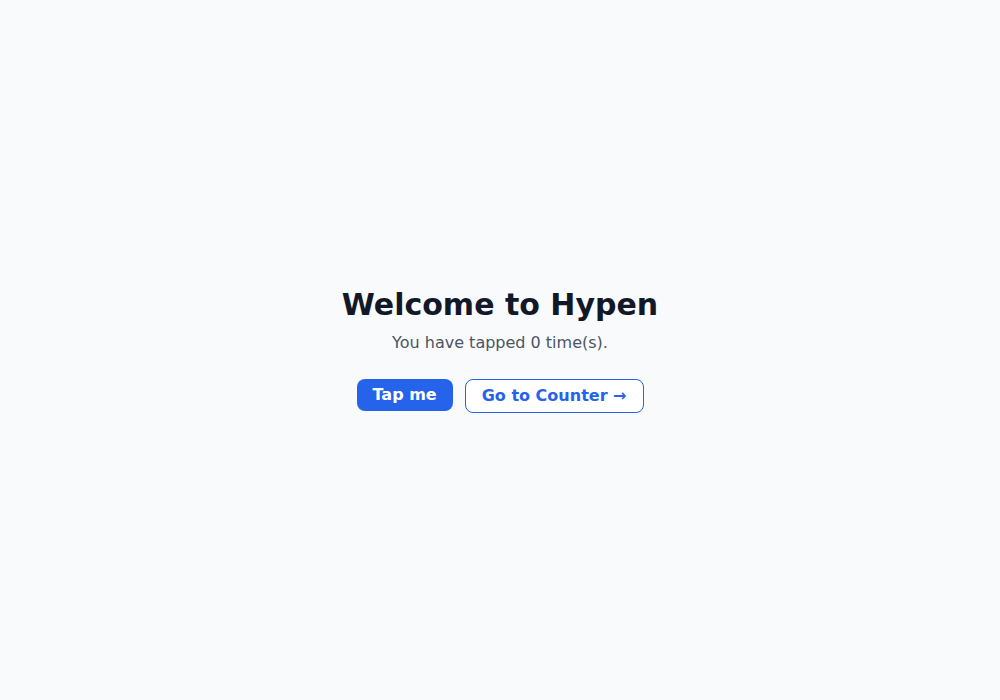
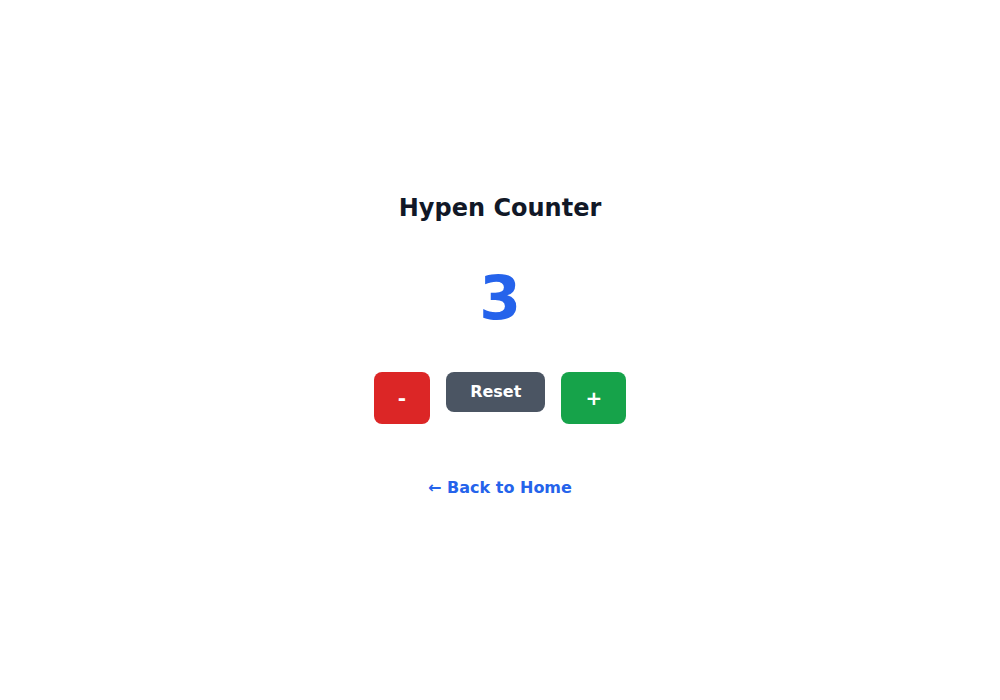
The engine renders server-side and streams minimal patches to every connected client. When you save a file, the CLI reloads all connected clients: each one reconnects within about half a second and resumes its session against the freshly loaded templates and module code. Primary module state (like the current route) is preserved across reloads; nested route-module state resets.
By default all connected clients mirror one scene — an action dispatched in one browser tab (or on a connected device) is replayed to every other client, which makes multi-device development seamless.
hypen build
Build the application for production.
hypen buildOptions:
--outDir <path>,-o- Output directory (default:dist)--minify,-m- Minify the output--sourcemap,-s- Generate source maps
Outputs optimized assets ready for deployment.
hypen generate
Generate component imports from the components directory.
hypen generateScans src/components/ and produces a components.generated.ts file that wires up all discovered component templates and modules.
hypen run
Install and launch your app on a native device or simulator.
hypen run android
hypen run ios
This command:
- Starts a WebSocket dev server
- Downloads the Hypen Runner app (cached in
~/.hypen/runners/) - Lists connected devices/simulators and prompts you to pick one
- Installs the runner app on the selected device
- Launches it with a connection back to the dev server
The server stays running with hot reload until you press Ctrl+C.
Platforms:
android— Requiresadb(Android SDK platform-tools). Works with emulators and physical devices connected via USB.ios— Requiresxcrun(Xcode command line tools). Runs on iOS Simulator. Boots the simulator automatically if needed.
Options:
--port <number>,-p- Dev server port (default:3000)--studio- Open Hypen Studio alongside the device runner
The --studio flag launches the Studio IDE at the same time as the device runner, so you can edit components in the browser and see changes live on the device.
# Run on Android with Studio open
hypen run android --studio

# Run on iOS Simulator on a custom port
hypen run ios --port 8080
hypen studio
Open Hypen Studio, a full in-browser IDE for developing and debugging Hypen apps. Includes a code editor with LSP support, live preview, file browser, state inspector, action log, time-travel debugging, and an integrated terminal.
hypen studio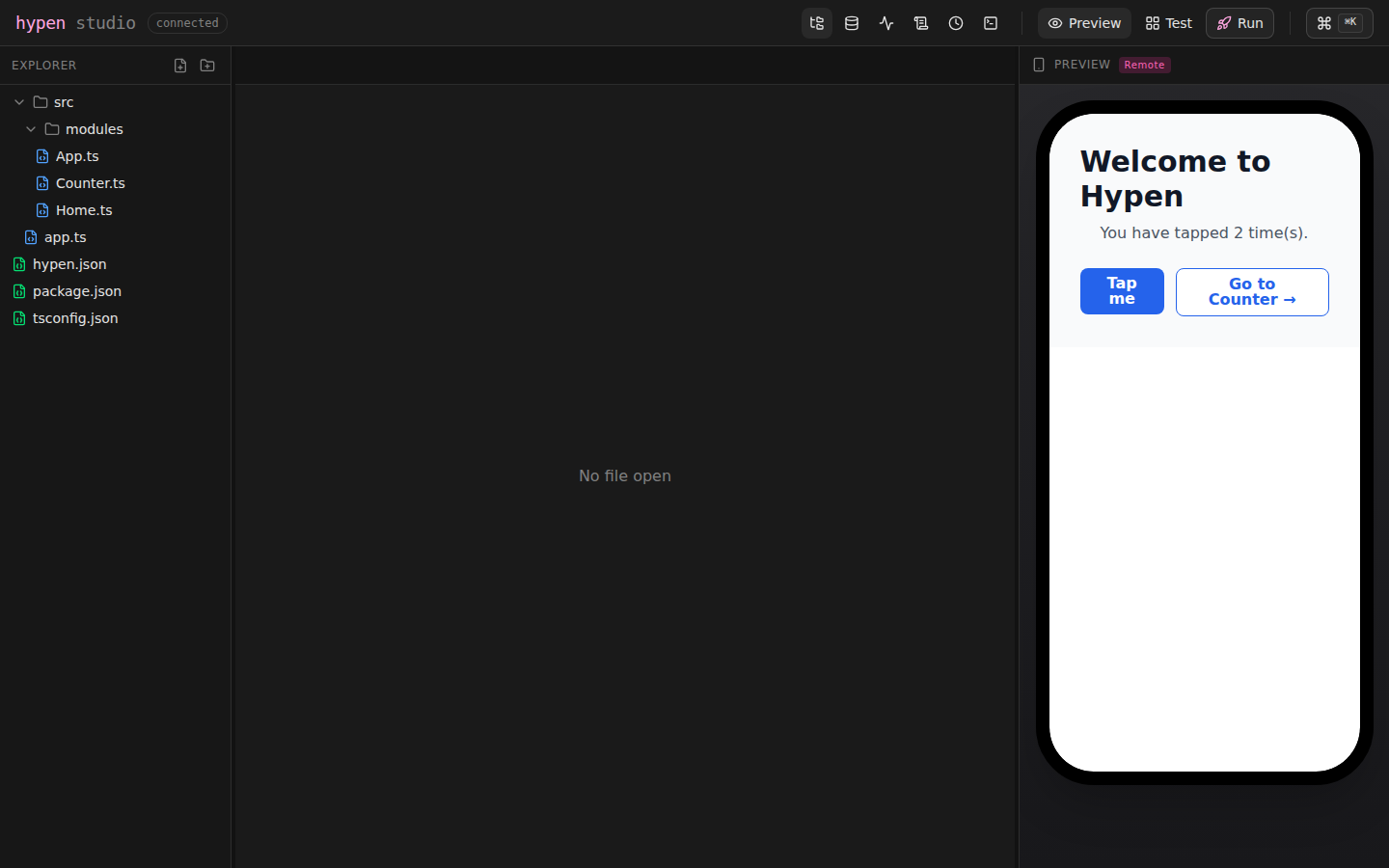
For server-based projects, Studio starts your entry script for you (or reuses an already-running dev server on the configured port) and connects the preview to it — one command, no second terminal.
Options:
--port <number>,-p- Port to run on (default:5173)--open- Open browser automatically (default:true)
Studio requires the Bun runtime. See the Studio documentation for the full feature reference.
hypen test
Open Studio directly in Test Mode — a multi-surface preview board with live web cells (DOM and Canvas) plus Android and iOS device mirrors.
hypen test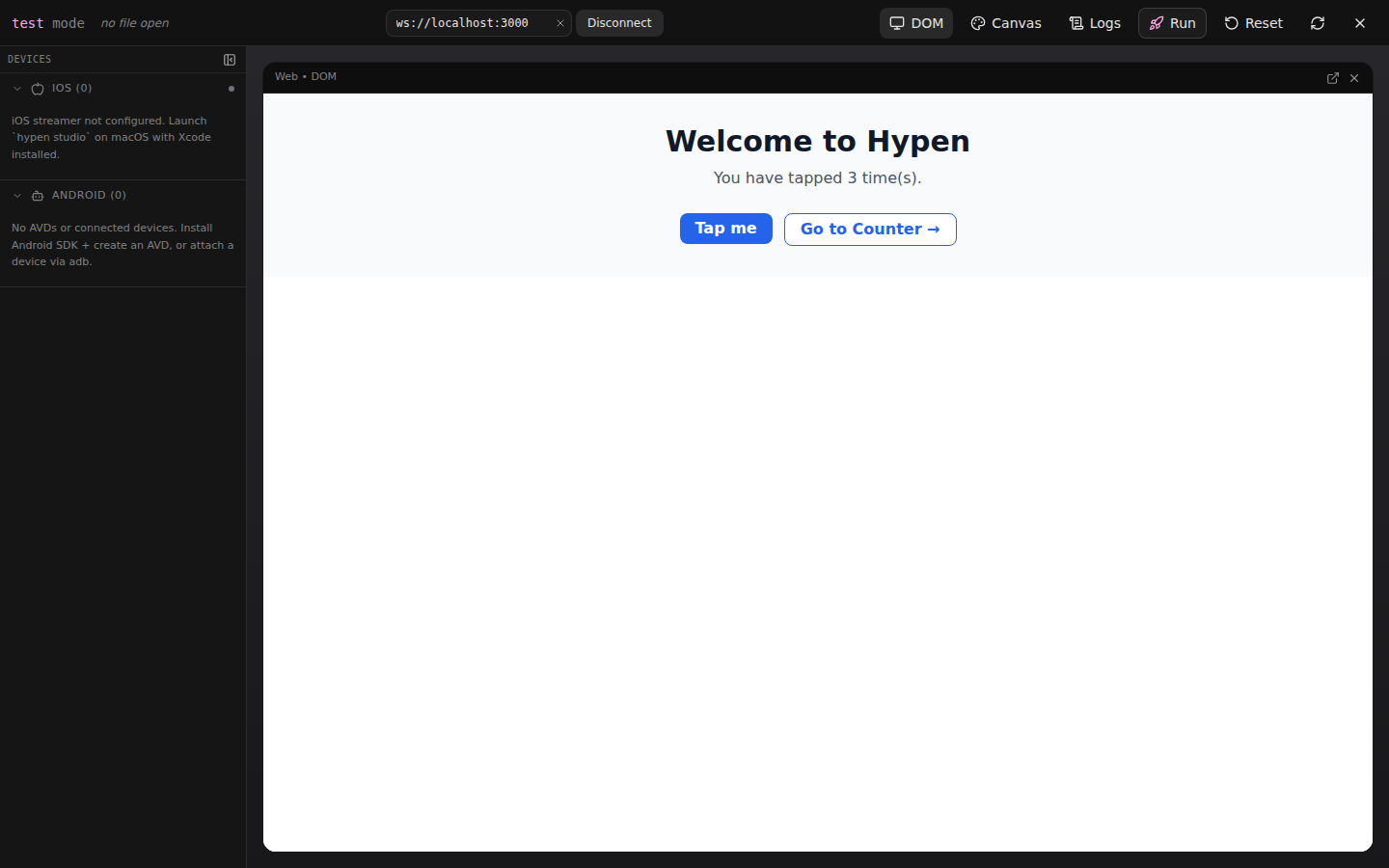
Inside a project, hypen test boots (or reuses) the dev server itself and
opens with the previews already connected. Cells are fully interactive, and
actions are mirrored across every surface — tap a button in the web cell
and a connected device updates too. Outside a project it opens in
connect-only mode: paste any ws:// dev-server URL to attach.
Options:
--port <number>,-p- Dev server port (default:3000)--open- Open browser automatically (default:true)
hypen check
Run the engine's accessibility conformance pass over your .hypen sources.
hypen check                                  # all project components
hypen check src/components/App.hypen         # specific files or dirs
Findings print per file. Suppress a finding with a trailing
// hypen-a11y-ignore [rule-id] comment, or project-wide via hypen.json:
"a11y": { "ignoreRules": ["rule-id"] }. Exit codes: 0 clean, 1
findings, 2 couldn't check. Use hypen dev --a11y to get the same
findings on every rebuild during development.
Project Structure
The CLI expects this structure:
my-app/
├── src/
│   └── components/
│       └── App/
│           ├── component.hypen    # UI template
│           └── component.ts       # Module logic
├── hypen.json
├── package.json
└── tsconfig.json
Component Discovery
The CLI automatically discovers components by recursively scanning the components directory. Multiple naming conventions are supported (folder-based, index-based, sibling files, and single-file).
For the complete discovery reference, naming patterns, and nested component organization, see Configuration.
Configuration
Create a hypen.json in your project root:
{
  "components": "./src/components",
  "entry": "App",
  "port": 3000,
  "outDir": "dist"
}
For a full reference of all configuration options, discovery patterns, and integration with existing backends, see Configuration.
Troubleshooting
Port already in use
hypen dev --port 3001Clear cache
rm -rf node_modules/.hypen
hypen dev
See Also
- Hypen Studio — Full Studio IDE feature reference
- Configuration — Full config and discovery reference
- Installation Guide
- Your First App
- Language Server (LSP)